
Cut the paperwork.
AdvanceBot fills in your application PDF using employee details. Choose which copies go to finance and staff with email addresses.
Use your company’s formsStaff apply through WhatsApp or the app. AdvanceBot prepares the paperwork. Your team reviews requests and records payments.
For South African employers
who offer staff salary advances.
AdvanceBot prepares
the paperworkCompleted
application PDF
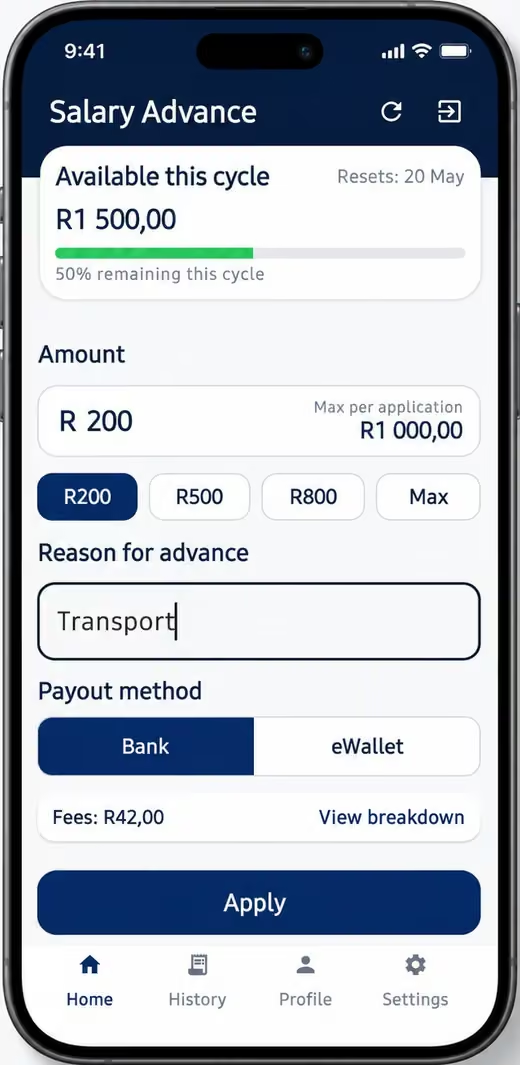
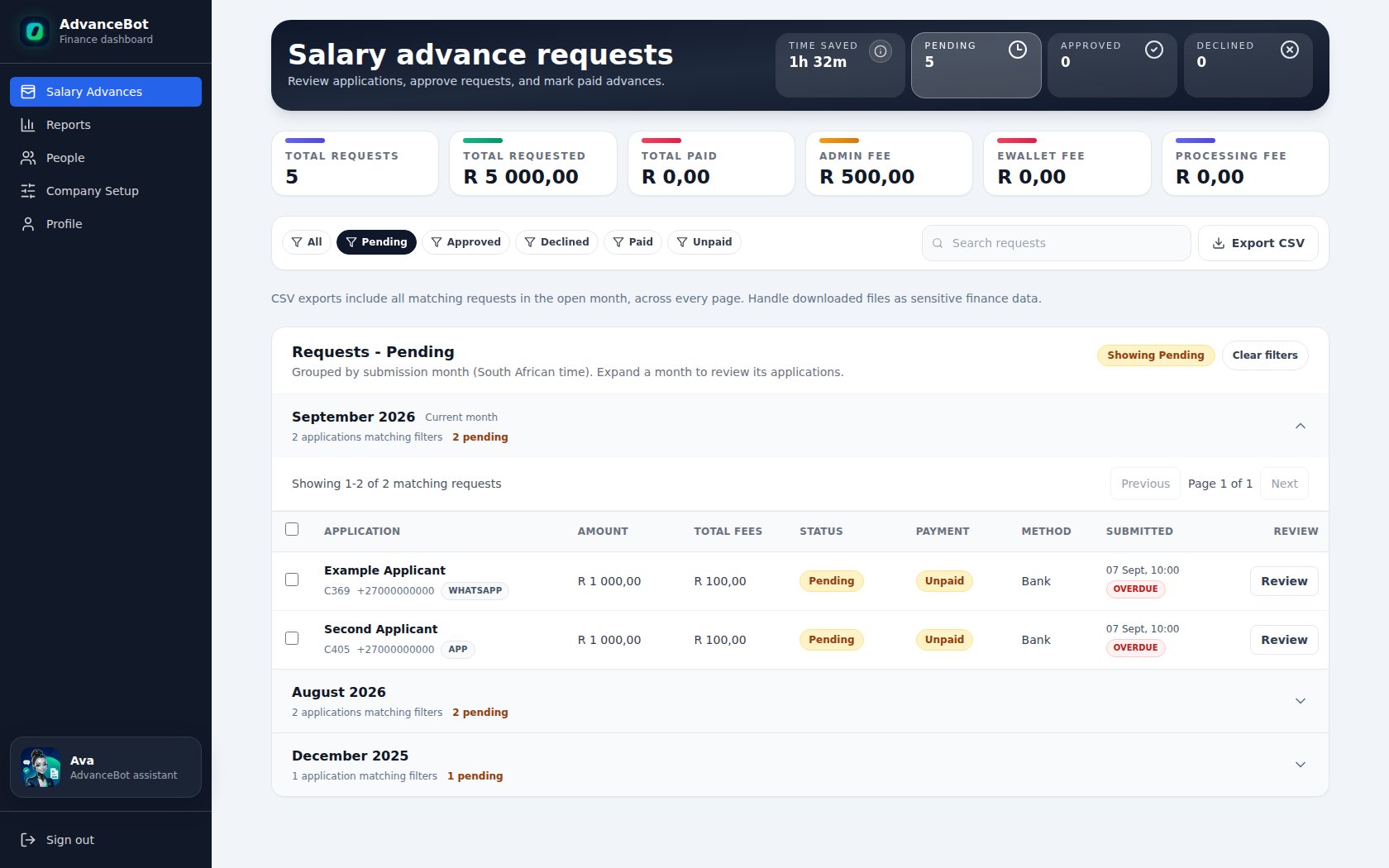
Illustrative phone screens. Dashboard shown with example records.
Spend less time filling in forms and chasing details. Give your team more time to review requests.
AdvanceBot fills in your application PDF using employee details. Choose which copies go to finance and staff with email addresses.
Use your company’s formsStaff can check progress and receive updates, so they have less reason to call your team for answers.
Set your fees and limits per request and wage cycle. AdvanceBot checks requests against each employee’s remaining allowance.
See approved amounts and payment status in one place. Export the records for payroll and reconciliation.
Staff can apply from their phone, even when they work away from your office.
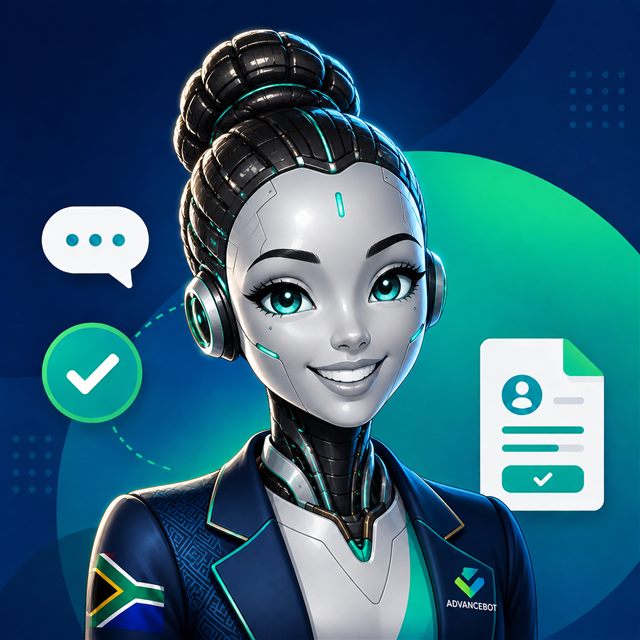 AVAThe AdvanceBot assistant
The bot guides staff through their application and sends it to your finance dashboard.
WhatsApp is enabled during company setup.
Staff can check their available limit, apply and track their advances.
Get the employee app (opens in a new tab)Your company must be set up on AdvanceBot before employees can apply.
Both channels follow the same process. Your company approves and pays each advance.
Staff apply through WhatsApp or the app. AdvanceBot prepares the application PDF.
Your finance team approves or declines the request in the dashboard. Staff get updates through the channels you’ve set up.
Your company pays the advance and records it in AdvanceBot. The details stay available for payroll.
Manage requests away from your desk. Open the same dashboard on your phone with the AdvanceBot Finance Android app.
Finance sign inWe help load your staff records and set your wage cycle, limits and fees. We also set up your company’s PDF during onboarding.
We’ll show how AdvanceBot fits your process and help you choose who gets application copies and updates.
Talk through your setupEmployee applications, the finance dashboard and reports are included.
For up to 100 employees
Locked-in pricing for launch customers.
Request launch pricingFor up to 100 employees
For new customers after the launch period.
Request a demoMore than 100 employees? Add R100 per month for each additional block of up to 100 employees.
We’ll confirm the launch offer and setup details during your demo.
Choose who reviews requests and who can access your company’s account.
Yes. Send us your company’s PDF during onboarding. We’ll set it up and agree which copies go to your team and staff with email addresses.
Once your company is set up and activated, staff can apply through the Android app. They can also use WhatsApp if you’ve enabled it.
Your company does. Your finance team approves or declines requests, then makes payments and records them in AdvanceBot.
No. Keep using your existing payroll system. AdvanceBot gives you salary advance records and exports for payroll and reconciliation.
Each plan covers up to 100 employees. Add R100 per month for each extra block of up to 100. For 201 employees, that’s R699 on the launch offer or R2,199 at the standard price.
We’ll show an application from start to finish, including the dashboard and reports. We’ll also discuss your company’s rules and forms.
See how a staff request reaches your finance team, with the paperwork ready to review.